
A sound for every song.
Keep factory inspiration and your own presets in separate banks. Make a factory sound your own and save it to your user collection.
 NAM captures & IRs from a community of creators
GUITAR. IPAD. PURE EXPRESSION.
The captures you love. The effects you reach for. Your sound, ready to play.

01 / BUILD YOUR SOUND
Start with a NAM capture. Shape it with your pedal and cabinet choices. Then make it yours with a full rack of effects.
MOVE WITH THE MUSIC
Reorder your pedals to build the signal chain your sound needs. Drag them into the order you want, then play.
02 / STAY IN THE MOMENT
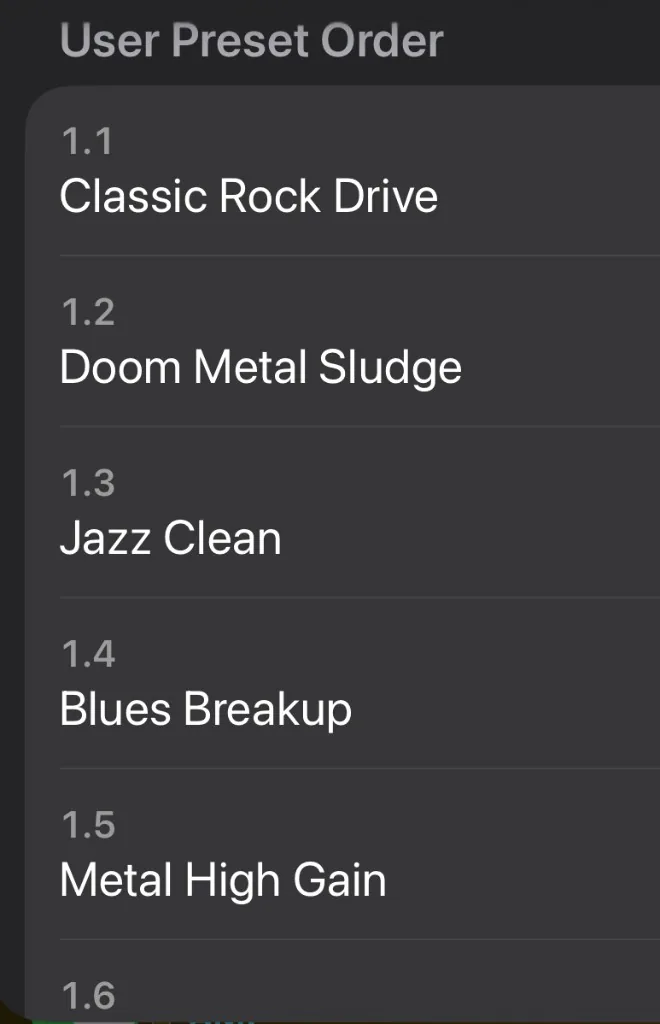
Keep factory inspiration and your own presets in separate banks. Make a factory sound your own and save it to your user collection.
Switch effect states with MIDI scenes. Move between parts while keeping your captures loaded and your attention on the guitar.
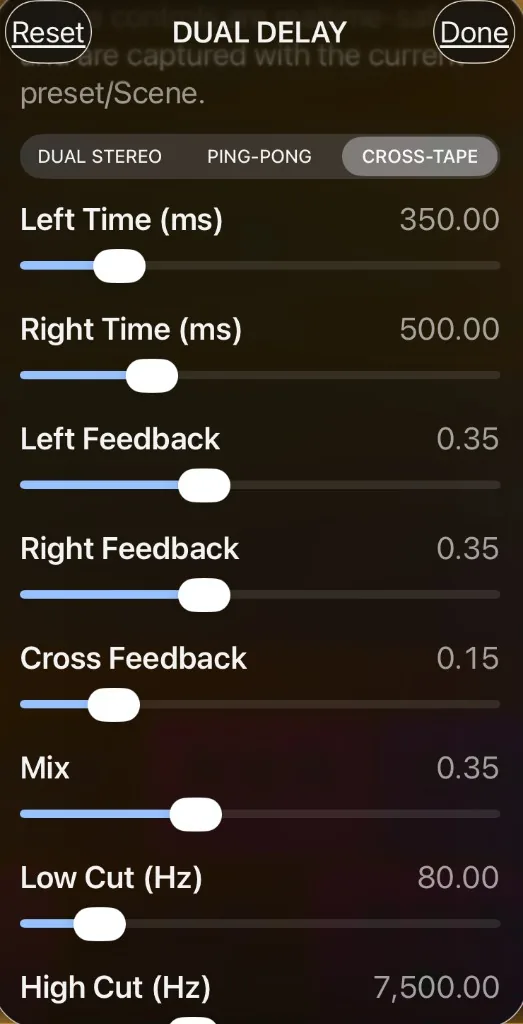
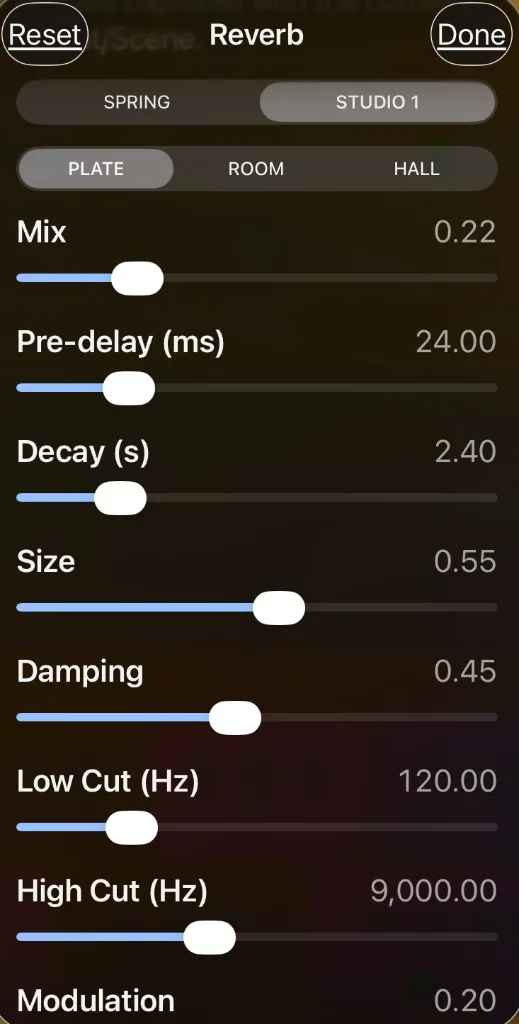
From drive and modulation to Studio Dual Delay, reverb and EQ, put the finishing touches exactly where they belong in the chain.
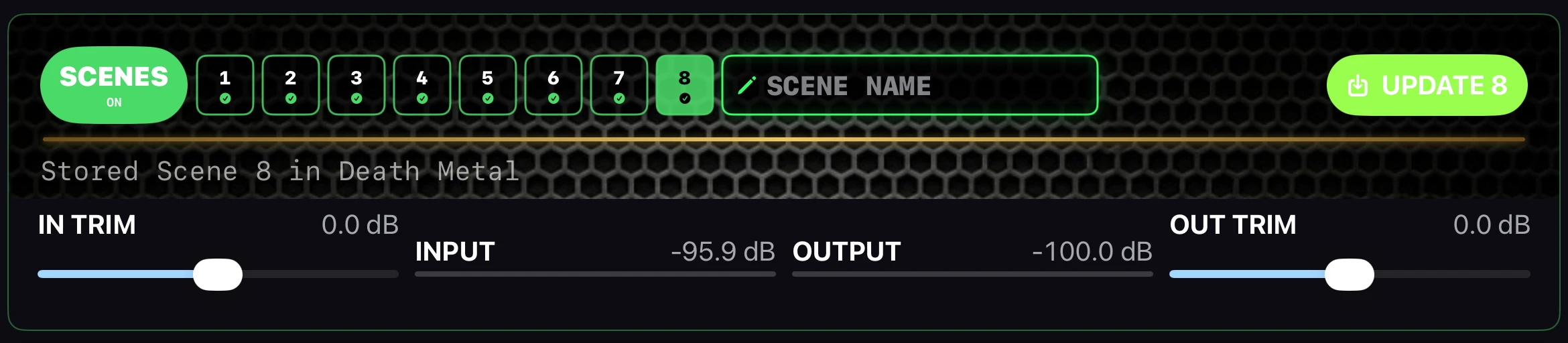
03 / EIGHT SCENES. ONE PRESET.
Give your intro, verse, chorus and solo their own settings. Eight named scene slots let you save different sounds inside a preset, then recall them by touch or MIDI with Scenes enabled.
04 / DIAL IT IN

Amp-style controls for your Amp NAM capture—not the Pedal NAM or Cab IR. Shape the amp’s response first, then refine the cabinet and the finished sound.
05 / EVERY CONTROL IN REACH
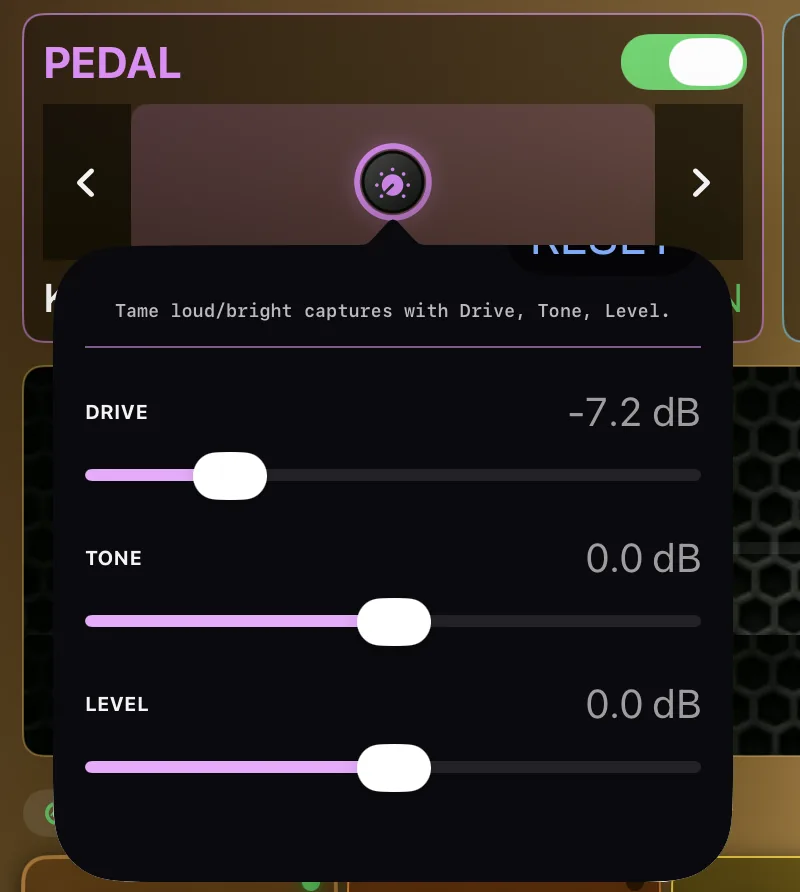
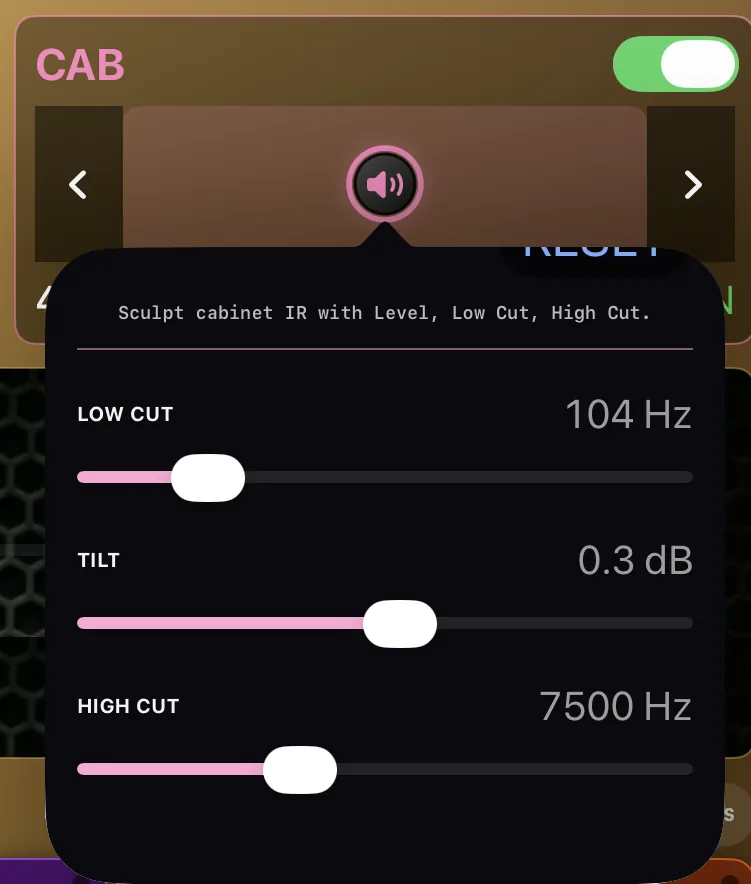
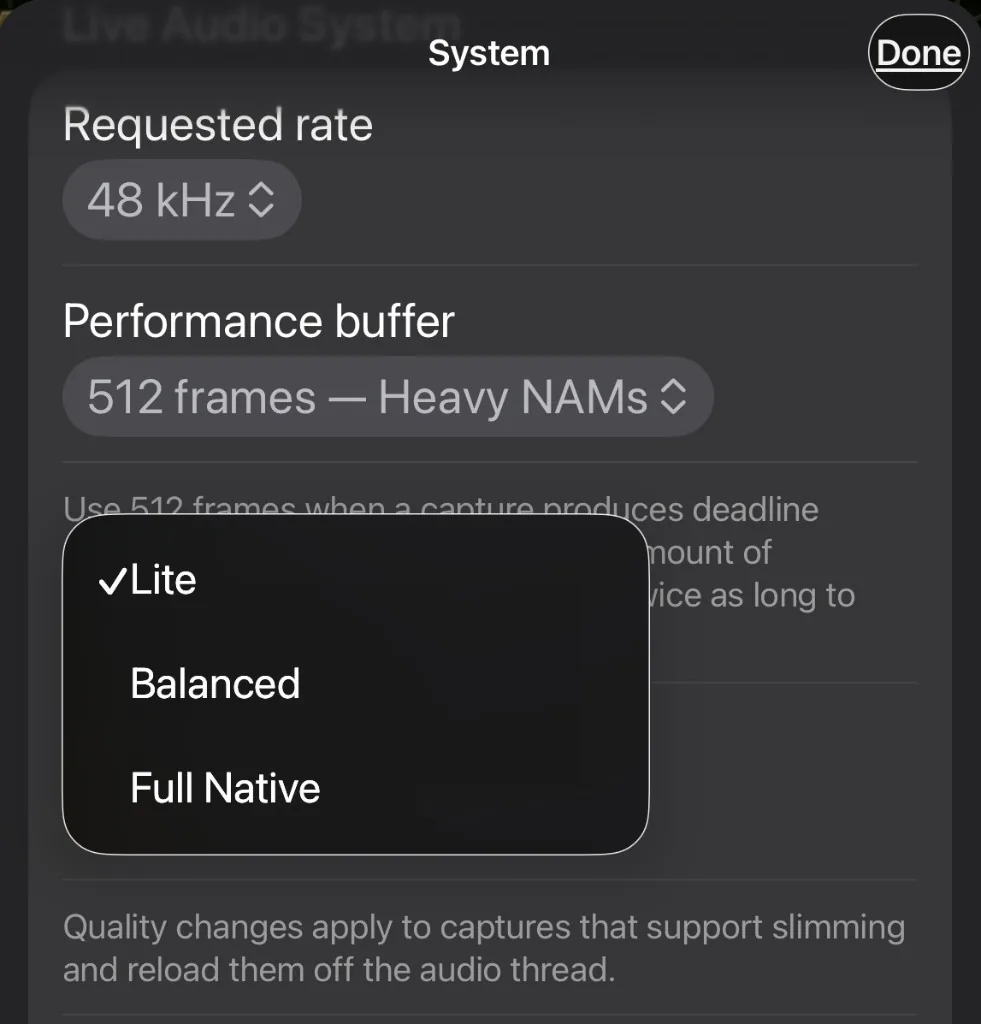
Open a block and the right controls come with it. Pedal captures, cabinet IRs, delay, reverb, NAM quality, presets, and the tuner all stay one tap away.
06 / TAKE CONTROL WITH YOUR FEET
Bring a compatible MIDI foot controller of your choice. Use AxeRig’s three performance modes to recall presets, move between eight scenes, or switch individual effects while you play.
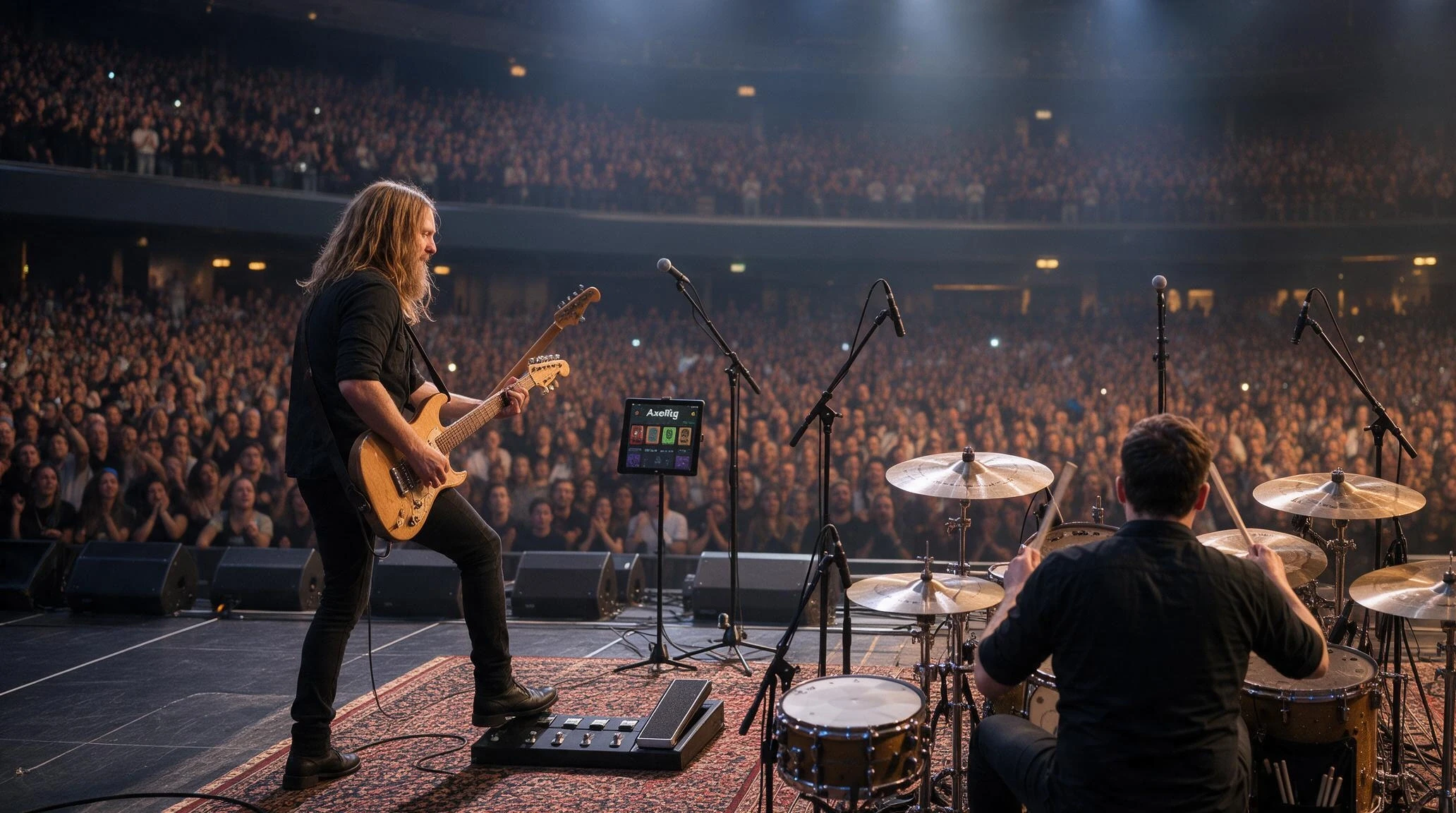
Recall a stored preset from the active preset collection with your foot controller. Keep Scenes and Stompbox FX mode off for preset switching.
Turn Scenes on to recall up to eight stored scenes inside your preset. Move from rhythm to lead with the captures staying loaded and the scene’s saved settings recalled.
See what a scene savesTurn Stompbox FX mode on to toggle individual effects with footswitches 1–8. Scenes and Stompbox FX are separate modes; enabling one turns the other off.
Connect a MIDI source recognized by your iPad, configure its Program Change or Control Change messages to match AxeRig, then choose your mode in the app. Controller programming and any required adapter depend on your hardware.
LESS GEAR. MORE PLAYING.
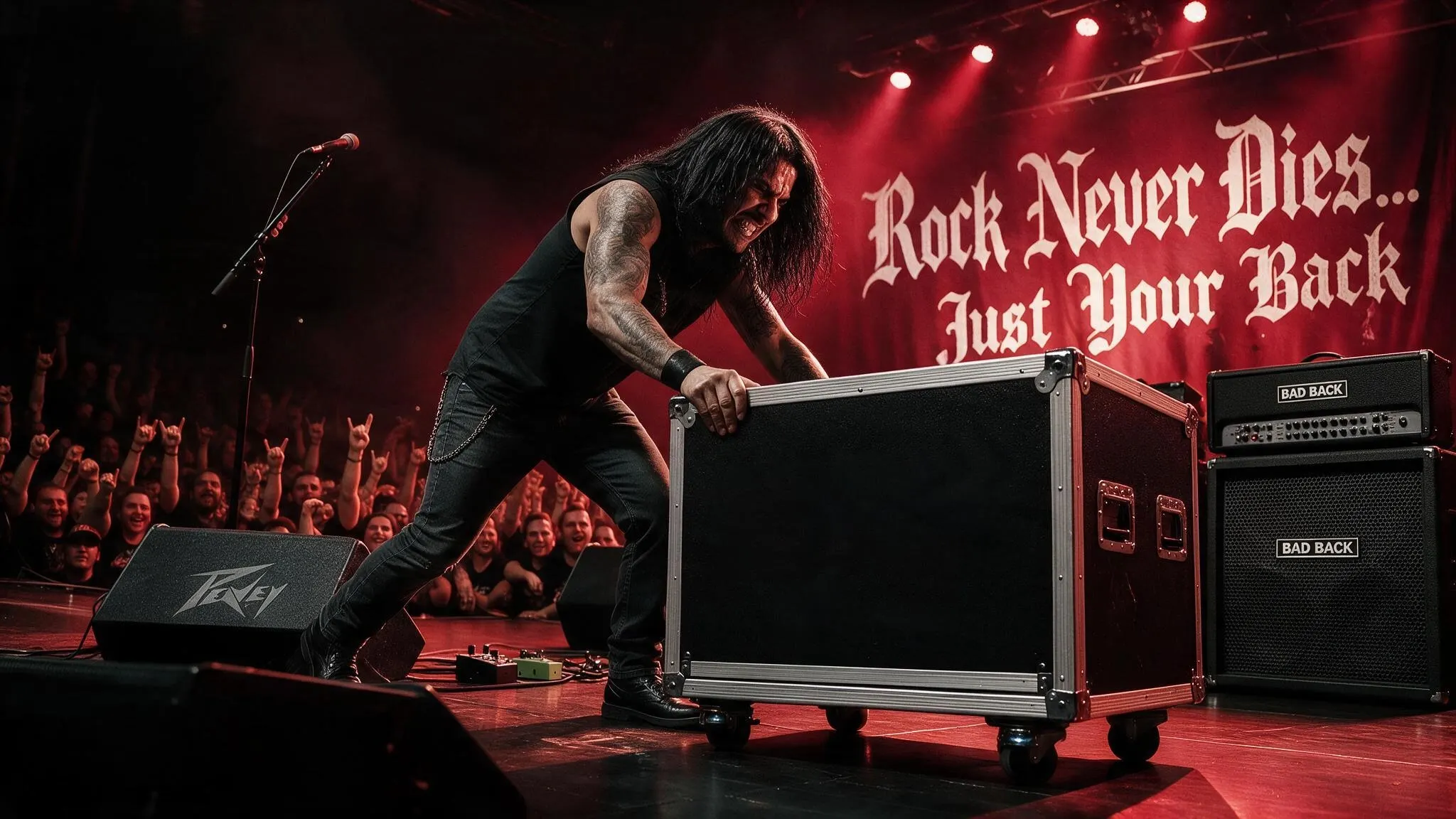
AxeRig brings your amp captures, NAM distortion pedals and Cab IR choices together with AxeRig’s custom pedals to finish your soundscape—a complete signal chain, all on iPad. Spend less time moving gear and more time making the room move.
Build your rig anywhereDISCOVER YOUR NEXT TONE
AxeRig connects to TONE3000 so you can discover community-created Neural Amp Modeler captures and cabinet impulse responses for your rig.
In the standalone iPad app, open a Pedal, Amp or Cab block and choose Browse TONE3000. Sign in with your own TONE3000 account, choose a tone and model, then load it into your rig.
Explore the TONE3000 catalogCaptures and IRs belong to their creators and remain subject to their individual licenses. TONE3000 provides the catalog; AxeRig provides the rig and effects.
Integration under pre-launch review. TONE3000 approval has not yet been announced. Account connection and downloads are managed in the standalone app.Recreate your favorite setup—and replace the heavy gear—with AxeRig on your iPad. Easily capture your own amplifiers, distortion pedals, and cabs through TONE3000, making multiple captures of the settings you love. Load them into AxeRig, add our effects, and bring those sounds on stage. Your amps, pedals, and cabs combine with our pre- and post-effects—all on one iPad. Attach your MIDI pedal for hands-free changes.
Learn how to capture your gear on TONE3000IN DEVELOPMENT / FOR IPAD
AxeRig is in private iPad testing.
Release details are coming soon.